Introduction to Prosessed
Welcome to Prosessed AI
The AI-first operating system for wholesalers, distributors, and importers — manage orders, inventory, and payments in one place.

🚀 What is Prosessed AI?
Prosessed AI is an all-in-one platform designed to run your entire B2B business.
It connects your customers, products, orders, inventory, and payments into a single workflow — helping your team move faster, reduce errors, and scale efficiently.
💡 Why Prosessed AI?
📦 All-in-One Platform
Manage customers, orders, inventory, and payments in one system.
👥 Built for B2B
Designed for wholesalers, distributors, and manufacturers.
📊 Real-Time Inventory
Track stock across warehouses and avoid stockouts.
⚡ Faster Orders
Create and process orders quickly with minimal effort.
⚡ Quick Start
Follow these steps to get started:
- Set up your workspace Configure company details, currency, and tax settings
- Add your customers Create customer records and assign pricing
- Add your products Create items and define stock levels
- Create your first order Select customer and add products
- Generate invoice & record payment Complete the transaction
🔄 How Prosessed Works
Your entire business runs on a simple flow:
Customer → Order → Invoice → Payment → Reports
Once this flow is set up, your operations become faster, more accurate, and easier to manage.
📊 Proven Results
- 40–50% reduction in manual work
- 25% lower freight costs
- 15% increase in revenue per sales rep
- 2× faster collections
🧠 Core Modules
👥 Customers
Manage customer data, groups, and pricing
📦 Inventory
Track products, stock levels, and warehouses
🛒 Sales
Create orders, invoices, and manage returns
💳 Payments
Track payments and outstanding invoices
📱 Mobile App (OrderIT)
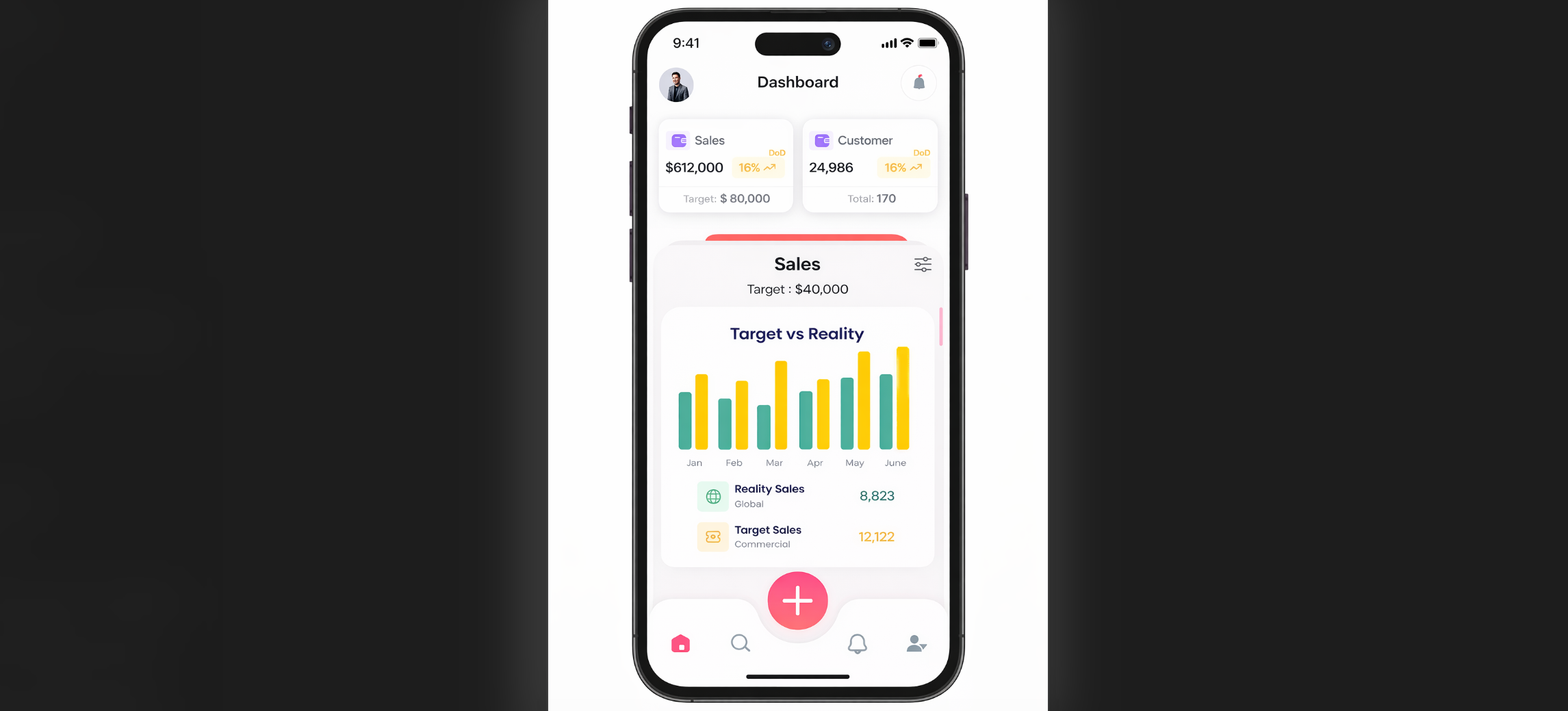
- Create orders
- Manage customers
- Work offline with automatic sync
🔌 Integrations
Prosessed AI works with tools you already use:
- Xero
- QuickBooks
- NetSuite
- Shopify
🚀 What Next?
- Set up your system using the Quick Start guide
- Create your first sales order
- Explore inventory and reports
💬 Need Help?
- Email: care@prosessed.com
- Demo: https://prosessed.ai/contact-us
- Blog: https://prosessed.ai/blogs