Custom Reports
Create your own reports to analyze data based on your business needs.
Overview
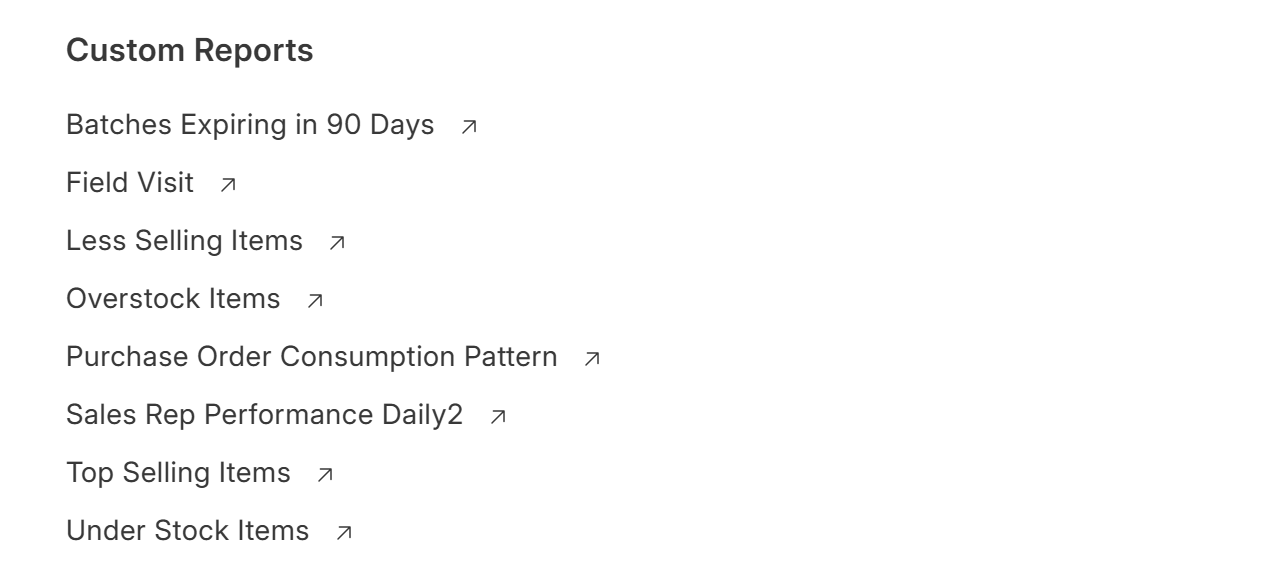
Custom Reports allow you to build reports tailored to your specific requirements.
Instead of using standard reports, you can:
- Select fields
- Apply filters
- Customize data views
Why Use Custom Reports?
Custom reports help you:
- Analyze business data your way
- Track specific metrics
- Build reports for different teams
- Improve decision-making
Types of Custom Reports
Report Builder (No Code)
Create reports without coding.
Features:
- Select fields
- Apply filters
- Group data
Query Report (SQL-Based)
Use SQL queries to create advanced reports.
Best for:
- Complex data analysis
- Custom calculations
Script Report (Advanced)
Use Python + SQL for dynamic reports.
Best for:
- Custom logic
- Advanced dashboards
Create a Report (No Code)
- Go to Reports
- Click New
- Select Report Builder
- Choose DocType (e.g., Sales Invoice)
- Select fields
- Apply filters
- Save
Create a Query Report (SQL)
- Go to Reports → New
- Select Query Report
- Enter SQL query
Example:
SELECT

    customer,

    SUM(grand_total) AS total_sales

FROM `tabSales Invoice`

GROUP BY customer
Last updated 6 months ago