Mobile App Overview
Mobile App Overview (OrderIT)
Manage your business on the go with the Prosessed AI mobile app.
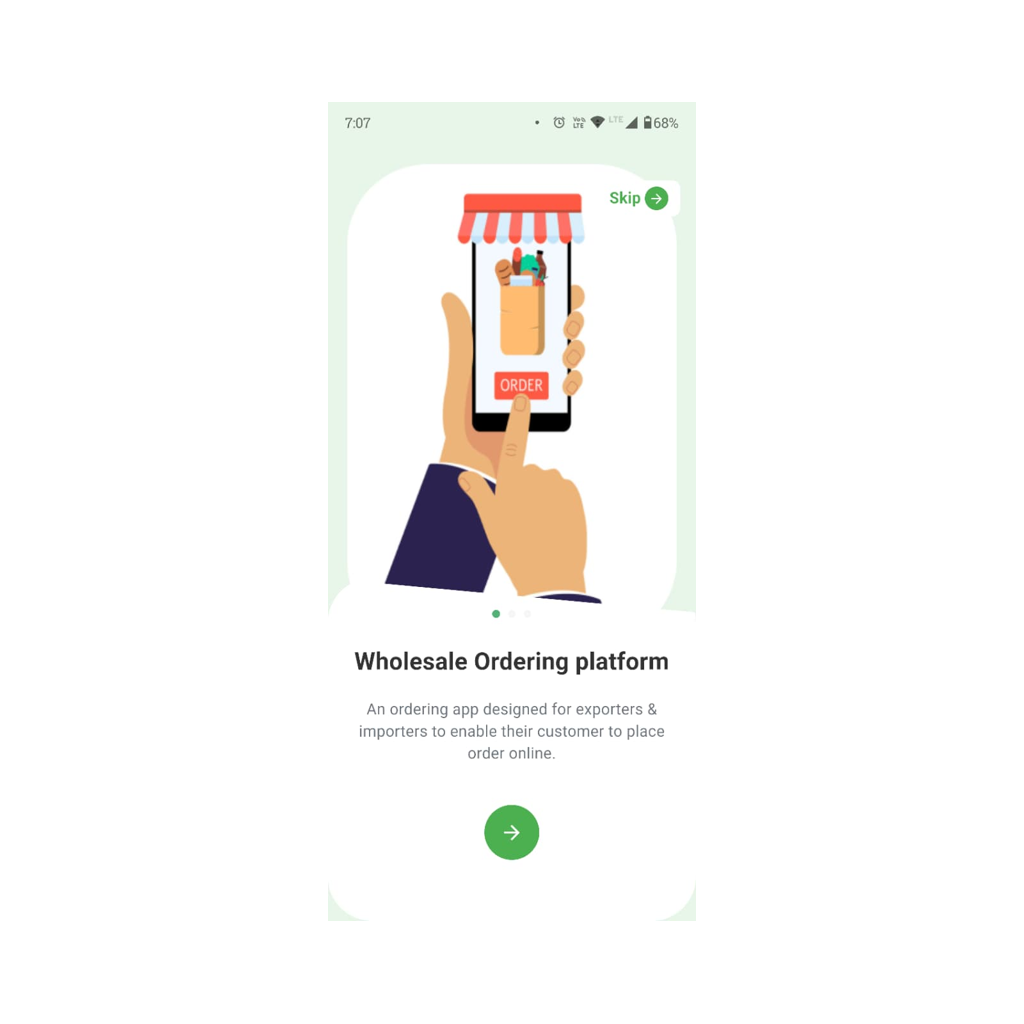 OrderIT
Overview
The Prosessed AI mobile app (OrderIT) is designed for sales teams and field users.
It allows you to:
- Create orders
- Manage customers
- Check product availability
- Work even without internet
All data syncs automatically with the main system.
Who Should Use the Mobile App?
The mobile app is ideal for:
- Sales representatives
- Field agents
- Delivery teams
- Business owners on the move
It helps teams operate faster without needing a laptop.
Key Features
Customer Management
- Create new customers on the go
- View customer details and history
Order Creation
- Create sales orders instantly
- Add items and quantities easily
- Apply pricing automatically
Real-Time Inventory
- Check stock availability before placing orders
- Avoid selling out-of-stock items
Invoice Generation
- Convert orders into invoices
- Share invoices with customers
Offline Mode
- Create orders without internet
- Data syncs automatically when back online
How the Mobile App Works
The mobile app follows the same workflow as the main system:
Customer → Order → Invoice → Payment
This ensures:
- Consistency across devices
- No duplicate work
- Real-time updates
Typical Sales Flow (Using Mobile)
- Visit customer
- Open mobile app
- Select or create customer
- Add products to order
- Confirm order
- Generate invoice
The order is instantly available in the main system.
Offline Functionality
The app works even without internet.
What you can do offline:
- Create customers
- Create orders
When internet is available:
- Data syncs automatically
- Inventory and reports update
Benefits of Using Mobile App
- Faster order creation
- Reduced manual errors
- Real-time access to data
- Improved sales productivity
Best Practices
- Sync data regularly
- Update app to latest version
- Ensure correct pricing setup
- Train sales team on usage
Common Issues
- Orders not syncing → Check internet connection
- Wrong pricing → Verify price lists
- Missing stock → Sync before creating orders
Last updated 6 months ago