📡 Offline Mode
🚀 Overview
OrderIT is designed to work seamlessly even without an internet connection. The Offline Mode allows your sales team to continue their work in the field without interruptions.
All data entered while offline is stored locally on the device and automatically synced once the internet connection is restored.
⚙️ How Offline Mode Works
- The app automatically switches to offline mode when there is no internet
- You can continue performing key actions without disruption
- All changes are saved locally on your device
- Once internet is available, data syncs automatically
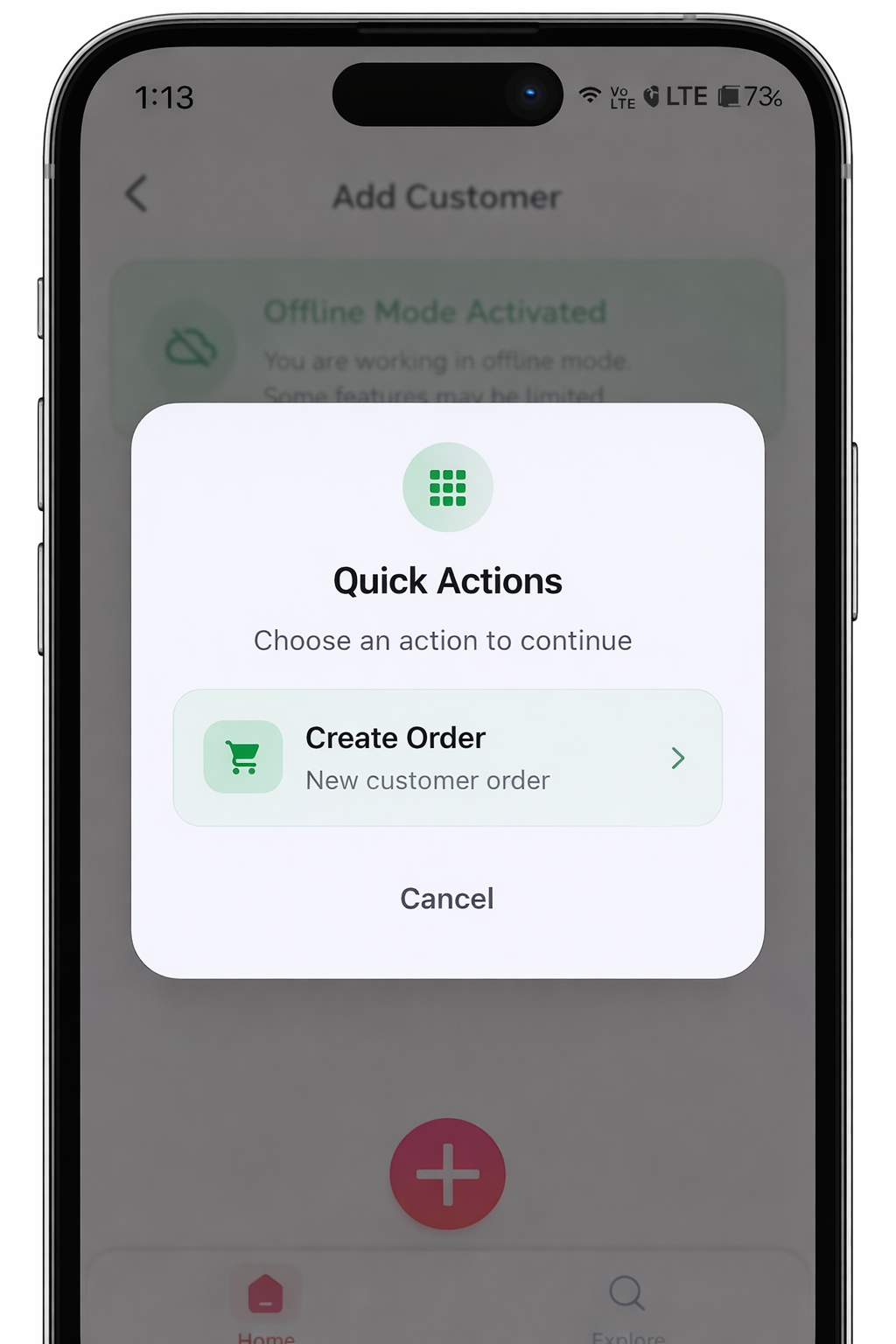
📦 What You Can Do in Offline Mode
Even without internet, you can:
- Create sales orders
- Add items to orders
- Apply quantities and basic pricing
🔄 Data Sync Process
When Internet is Restored:
- The app automatically starts syncing data
- All offline actions (Orders, updates) are uploaded
- Data is updated in the backend system
⚠️ Important Notes
- Initial login requires internet connection
- First-time data sync must be completed before using offline mode
- Avoid uninstalling the app before sync (data may be lost)
- Conflicts may occur if the same data is modified by multiple users
- Pricing and stock updates will reflect only after syncing
❌ Limitations in Offline Mode
- Real-time stock availability may not be accurate
- Latest pricing updates may not be available
- Some actions (like invoice submission in certain setups) may require internet
- Reports and analytics are not available offline
- Not able to create new customers
✅ Best Practices
- Always sync data before starting your day
- Sync again after completing your work
- Ensure stable internet for complete data upload
- Regularly check sync status in the app
🎯 Summary
Offline Mode ensures that your sales operations never stop, even in low or no network areas. It provides flexibility, reliability, and continuous productivity for your field team.
For any issues with syncing or offline data, please contact your administrator or support team.
Last updated 6 months ago